Authored by Ariel Fernandez (Senior Factory-Trained Fuji Frontier & Noritsu QSS Engineer, AVA-Tech) • Peer-Reviewed by AVA-Tech Bench Engineering Team (4700 N 5th Street Hwy, Temple, PA 19560).
6901-0010, 6901-0080, 6903-0001, 6016-0001
Eliminating intermittent Error 6901 ARCNET network drops between the workstation PC, Image Processing PCB, Printer Control PCB, and Processor Control PCB on Noritsu QSS wet labs.
1. Commercial Photo Lab Field Case Study (Noritsu QSS-3201 / QSS-3202 / QSS-3501 / QSS-3502)
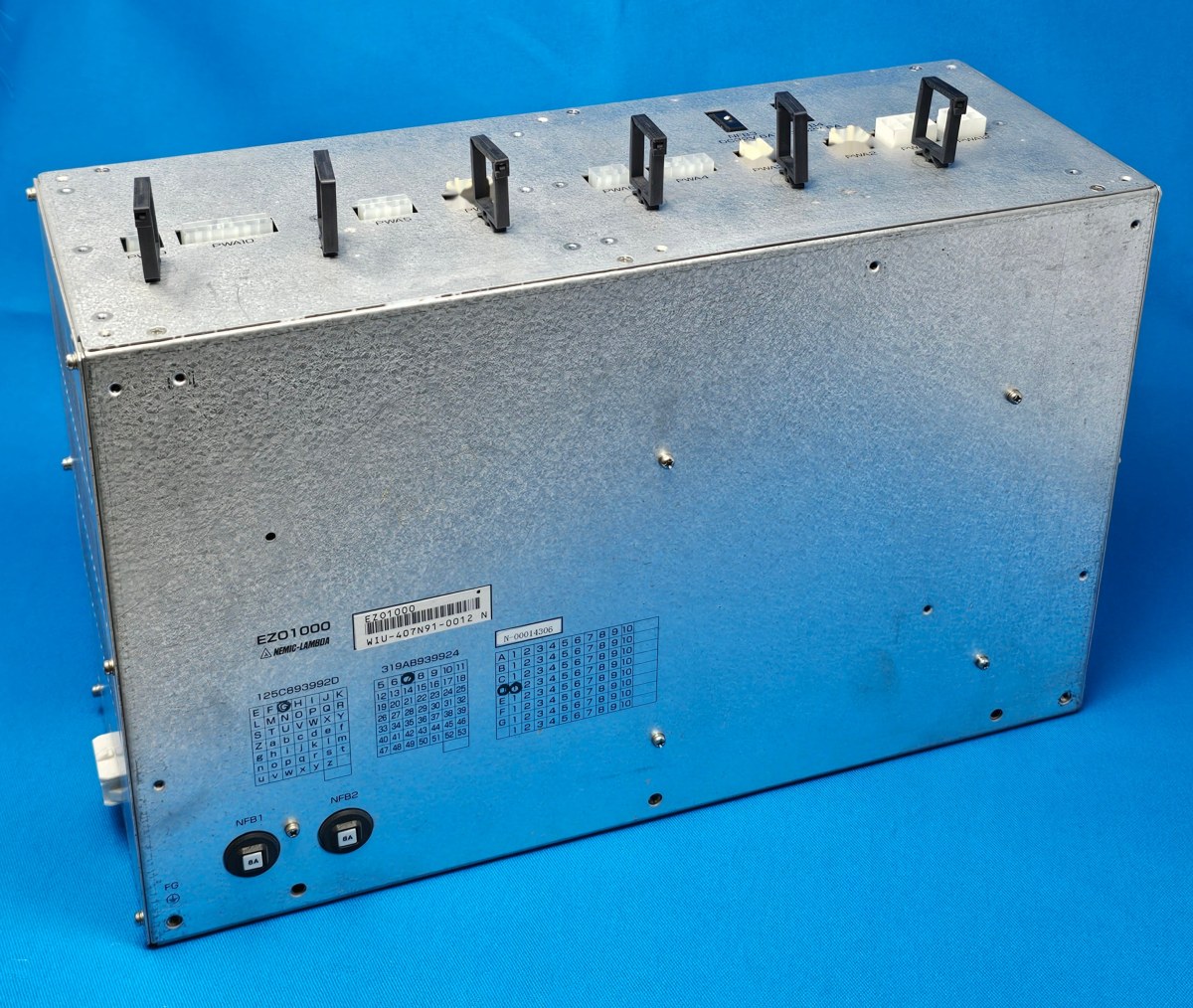
A commercial lab in Ohio reported their Noritsu QSS-3501 Plus randomly freezing mid-order with Error 6901-0010 (ARCNET Communication Error: Printer Control PCB). Instead of replacing expensive control boards blindly, our technician inspected the plastic optical fiber (POF) transceivers, trimmed 2 mm off the oxidized fiber ends using a precision Noritsu fiber cutter jig, and measured the 5.0V logic rail on the printer power supply. Discovering 4.72V under load, we adjusted and recapped the switching power supply, resolving the 6901 dropouts permanently.
In commercial wet-lab and film processing environments, seemingly minor drift in optical modulation, replenishment volume, temperature control, or roller nip geometry rapidly compounds across hundreds of rolls and thousands of RA-4 prints. At AVA-Tech in Temple, Pennsylvania, our factory-trained engineers diagnose these root causes daily using OEM service software, calibrated sensitometry, and component-level circuit diagnostics rather than guesswork.
2. OEM Engineering Specifications & Diagnostic Thresholds
Before replacing sub-assemblies or adjusting lookup tables on Noritsu QSS-3201 / QSS-3202 / QSS-3501 / QSS-3502, verify all parameters against the following factory engineering tolerances:
| Subsystem / Parameter | Factory Engineering Specification & Tolerance |
|---|---|
| ARCNET Optical Wavelength | 650 nm visible red LED over 1.0 mm PMMA plastic optical fiber |
| Minimum Logic Supply Voltage | 5.00V DC ± 0.05V measured at Printer & Processor Control PCBs |
| Optical Fiber Bend Radius | Minimum 25 mm (tighter bends cause severe dB attenuation) |
| PCI / PCIe ARCNET Card | LVDS / Optical ARCNET hub interface in host PC |
3. Step-by-Step Factory Diagnostic & Calibration Procedure
Follow this field-validated sequence to isolate and resolve the issue safely:
- Step 1: Decode the 4-digit sub-code of Error 6901-XXXX in the Noritsu service manual bit-map to identify which specific PCB node dropped off the ARCNET ring.
- Step 2: Unplug the dual plastic optical fiber plugs at both ends of the suspect link and verify bright, uniform red LED emission from the TX port.
- Step 3: If the fiber tip is pitted, hazy, or unevenly cut, trim 1.5–2.0 mm cleanly using an OEM optical fiber cutter tool and reseat firmly.
- Step 4: Measure the +5V DC logic supply right at the test pins of the affected PCB; replace or adjust the switching PSU if voltage sags below 4.92V.
Need Immediate Remote Diagnostics, Loaner PCBs, or OEM Parts?
AVA-Tech stocks 226+ core indexed Fuji Frontier and Noritsu QSS assemblies (plus thousands of component SKUs) in our Temple, PA warehouse. Unsure of a part number? Upload a photo to our free AI Parts Identifier, browse the OEM Parts Catalog, or enroll in an Enhanced Support Plan for live remote sessions and loaner PCB privileges.
4. Frequently Asked Questions (Technician & Lab Manager FAQ)
Can dust inside the orange/gray ARCNET fiber plugs cause Error 6901?
Yes—even a thin film of chemical dust or a slightly unseated fiber ferrule attenuates the 650 nm light pulse enough to corrupt ARCNET token packets.
What if Error 6901-0080 appears immediately when launching the QSS software?
Check that the PCI/PCIe ARCNET card in the control PC is seated firmly, its Windows driver is loaded in Device Manager, and the printer main breaker is energized.
Can AVA-Tech diagnose ARCNET errors remotely?
Yes—our factory-trained engineers resolve most ARCNET and software configuration faults via live remote support sessions included in our Silver, Gold, and Platinum Support Plans.
5. Related Topical Cluster Guides in Noritsu QSS Minilabs
- Troubleshooting Float Switches, Level Sensors & Replenishment Tanks on Noritsu QSS & Fuji Frontier Wet Minilabs (Noritsu QSS Minilabs • 2026-07-18)
- Noritsu QSS-3701 & QSS-3702 Polygon Mirror Motor Failure: Diagnosing High-Pitched Bearing Whine & Error 6101 (Noritsu QSS Minilabs • 2026-06-23)
- Mastering Noritsu EZ Controller Color Management: ICC Profiles, DSA Corrections & Print Channel Setup (Noritsu QSS Minilabs • 2026-05-28)
About the Author & AVA-Tech Engineering Team (E-E-A-T)
Ariel Fernandez is Lead Factory-Trained Systems Engineer at AVA-Tech in Temple, Pennsylvania. With decades of hands-on field and bench experience servicing Fuji Frontier wet/dry minilabs, Noritsu QSS systems, C-41/E-6 film processors, and SP-3000/HS-1800 film scanners, AVA-Tech supports commercial, school, wedding, and independent film labs across all 50 states.
More Guides in Noritsu QSS Minilabs
Noritsu QSS-3701 / 3702 / 3704 HD AOM Driver Failure: Diagnosing Cyan/Magenta Color Shifts & Error 6073
How factory-trained technicians diagnose Acousto-Optic Modulator (AOM) crystal degradation vs. RF driver drift on Noritsu QSS-37 series wet minilabs when morning emulsion change tests fail.
Noritsu QSS-3704 HD & QSS-3801G Calibration Guide: Built-in Colorimeter, Laser Beam Pitch & Paper Magazine Profiling
Mastering 600 DPI high-definition laser beam pitch alignment, white calibration plate care, and ICC paper profiling on Noritsu QSS-3704 HD and QSS-3801G minilabs.
Keeping Legacy Noritsu QSS-3001, QSS-3011 & QSS-3300 Minilabs Running in 2026: Lasers, PCBs & Windows PC Upgrades
Practical engineering strategies for extending the service life of classic Noritsu QSS-3001, 3011, and 3300 wet minilabs—from solid-state laser retrofits to modern PC/SSD upgrades.