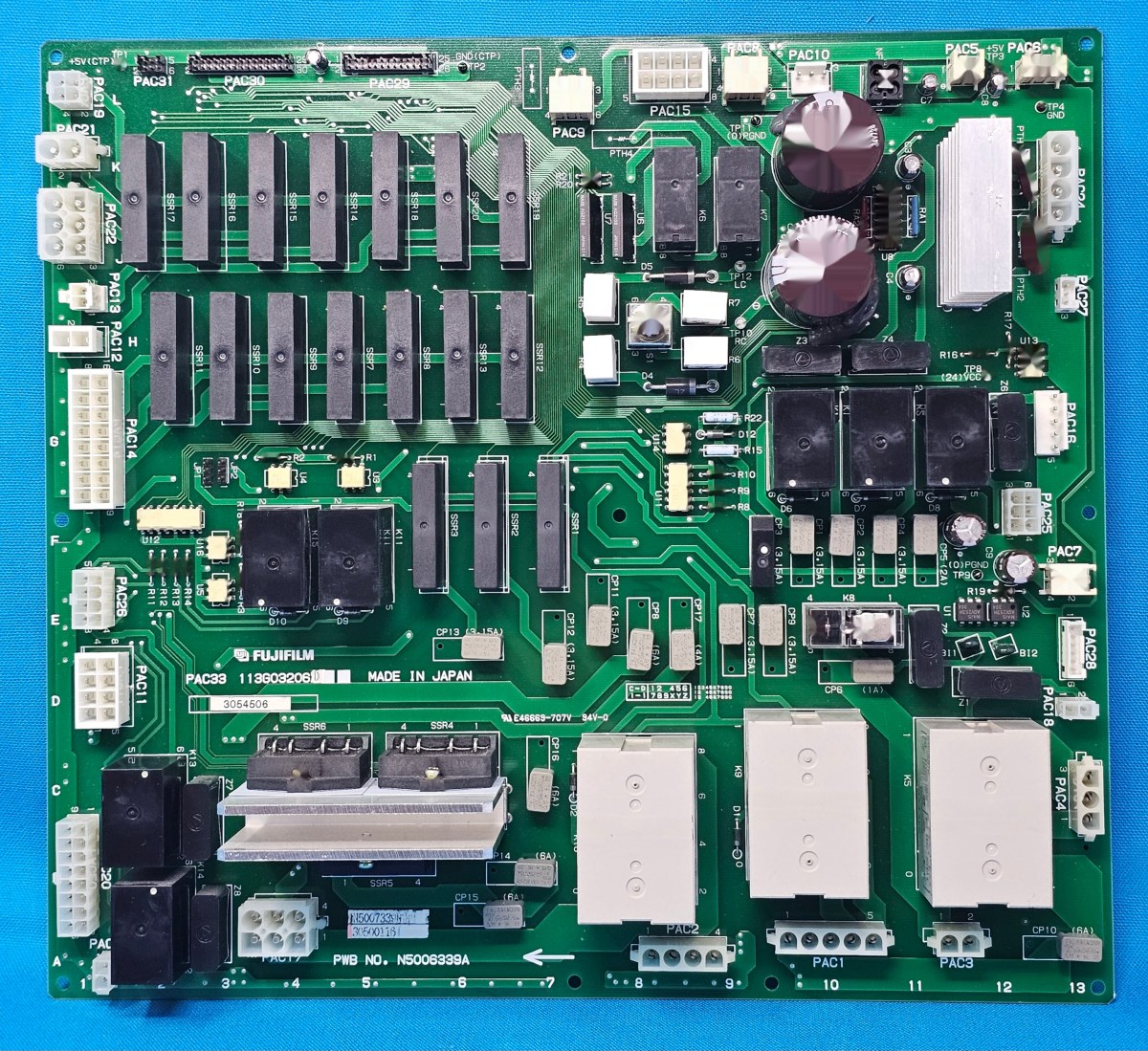
Authored by Ariel Fernandez (Senior Factory-Trained Fuji Frontier & Noritsu QSS Engineer, AVA-Tech) • Peer-Reviewed by AVA-Tech Bench Engineering Team (4700 N 5th Street Hwy, Temple, PA 19560).
E-1420, W-1411, E-1435, E-1109
Maintaining peak optical sharpness, Digital ICE dust removal accuracy, and frame registration on Fuji SP-3000 and SP-500 scanners in high-throughput film labs.
1. Commercial Photo Lab Field Case Study (Fuji Frontier SP-3000 / SP-500)
A boutique film scanning studio reported faint vertical cyan shading bands across dense 120 medium-format shadows on their Fuji SP-3000, accompanied by sporadic W-1411 (Light Source Shading Correction Warning). Disassembling the upper CCD optical path and lower mirror box revealed micro-fungal hazing on the heat-absorbing IR filter glass and worn nip rollers on the MFC10Y multi-format carrier. Ultrasonic optical cleaning, replacing the carrier pinch rollers, and executing CCD Focus & Light Source Shading Calibration eliminated all banding.
In commercial wet-lab and film processing environments, seemingly minor drift in optical modulation, replenishment volume, temperature control, or roller nip geometry rapidly compounds across hundreds of rolls and thousands of RA-4 prints. At AVA-Tech in Temple, Pennsylvania, our factory-trained engineers diagnose these root causes daily using OEM service software, calibrated sensitometry, and component-level circuit diagnostics rather than guesswork.
2. OEM Engineering Specifications & Diagnostic Thresholds
Before replacing sub-assemblies or adjusting lookup tables on Fuji Frontier SP-3000 / SP-500, verify all parameters against the following factory engineering tolerances:
| Subsystem / Parameter | Factory Engineering Specification & Tolerance |
|---|---|
| SP-3000 Area CCD Sensor | Custom thermoelectrically cooled RGB + IR area array CCD |
| Light Source Architecture | High-intensity R/G/B/IR matrix LED array with integrating diffusion box |
| 135AFC-II Frame Pitch Accuracy | ±0.15 mm registration tolerance via DX/perforation optical sensors |
| Shading Calibration Uniformity | Flat-field variance < 1.5% across full 135 and 120 masks |
3. Step-by-Step Factory Diagnostic & Calibration Procedure
Follow this field-validated sequence to isolate and resolve the issue safely:
- Step 1: Remove the film carrier and blow out the lower LED diffusion chamber and upper lens objective using filtered, oil-free dry air.
- Step 2: Inspect the 135AFC-II or MFC10Y carrier silicone drive rollers for glazing; clean with rubber rejuvenator or replace worn roller shafts to stop frame-overlap errors.
- Step 3: Enter Menu 0320 (Focus Position Adjustment) with the factory Fuji resolution target jig to lock CCD focus across 135 and 120 zoom positions.
- Step 4: Execute Menu 0340 (Shading & LED Light Amount Calibration) with an empty, spotless carrier gate before beginning daily production.
Need Immediate Remote Diagnostics, Loaner PCBs, or OEM Parts?
AVA-Tech stocks 226+ core indexed Fuji Frontier and Noritsu QSS assemblies (plus thousands of component SKUs) in our Temple, PA warehouse. Unsure of a part number? Upload a photo to our free AI Parts Identifier, browse the OEM Parts Catalog, or enroll in an Enhanced Support Plan for live remote sessions and loaner PCB privileges.
4. Frequently Asked Questions (Technician & Lab Manager FAQ)
Why are my Fuji SP-3000 scans showing a thin vertical line through every frame?
A persistent line running parallel to film travel is almost always caused by a speck of dust sitting on the diffusion box upper glass or inside the carrier mask gate, which gets baked into the shading table if calibrated while dirty.
Can a Fuji SP-3000 run standalone without a wet Frontier printer attached?
Yes—AVA-Tech configures standalone SP-3000 and SP-500 workstations with MS01 / FE software exporting 16-bit TIFF or high-res JPEG files directly to modern Windows SMB network shares.
What causes Digital ICE artifacts on Kodachrome or silver B&W film?
Digital ICE uses an infrared (IR) channel to detect surface dust; because silver-halide B&W grains and cyan coupler layers in Kodachrome absorb IR light, Digital ICE must be disabled for traditional B&W and Kodachrome stocks.
5. Related Topical Cluster Guides in Commercial Film Scanners
- Noritsu HS-1800, LS-600 & LS-1100 Scanner Maintenance: Advance Rollers, IR Dust Calibration & EZ Controller (Commercial Film Scanners • 2026-10-16)
- Maintaining Classic Fuji Frontier 350 / 370 & SP-2000 / SP-2500 Film Scanners: Carrier Belts, Halogens & Cooling Fans (Commercial Film Scanners • 2026-06-19)
- Commercial 35mm Film Scanner Shootout: Noritsu LS-600 & HS-1800 vs. Fuji SP-3000 vs. Kodak Pakon F135+ (Commercial Film Scanners • 2026-07-05)
About the Author & AVA-Tech Engineering Team (E-E-A-T)
Ariel Fernandez is Lead Factory-Trained Systems Engineer at AVA-Tech in Temple, Pennsylvania. With decades of hands-on field and bench experience servicing Fuji Frontier wet/dry minilabs, Noritsu QSS systems, C-41/E-6 film processors, and SP-3000/HS-1800 film scanners, AVA-Tech supports commercial, school, wedding, and independent film labs across all 50 states.
More Guides in Commercial Film Scanners
Noritsu HS-1800, LS-600 & LS-1100 Scanner Maintenance: Advance Rollers, IR Dust Calibration & EZ Controller
How to cure 35mm/120 film advance slipping, longitudinal CCD pixel lines, and Windows 11 EZ Controller communication dropouts on Noritsu HS-1800 and LS-600/1100 scanners.
Commercial 35mm Film Scanner Shootout: Noritsu LS-600 & HS-1800 vs. Fuji SP-3000 vs. Kodak Pakon F135+
Helping new and expanding analog film labs choose the right commercial scanner based on roll volume, 120 medium-format demand, color science, and repairability.
Maintaining Classic Fuji Frontier 350 / 370 & SP-2000 / SP-2500 Film Scanners: Carrier Belts, Halogens & Cooling Fans
Keeping first-generation Fuji Frontier SP-1500, SP-2000, and SP-2500 scanners running cool and sharp in boutique analog labs.